
Welcome to Production, Where Everything Is On Fire
So you’ve landed your first real engineering job, survived the onboarding maze, and someone just mentioned “security vulnerabilities” in a way that made the entire room go quiet. Don’t panic. Every senior engineer in that room has been exactly where you are, staring at a codebase wondering how anyone trusts this thing with actual money or personal data.
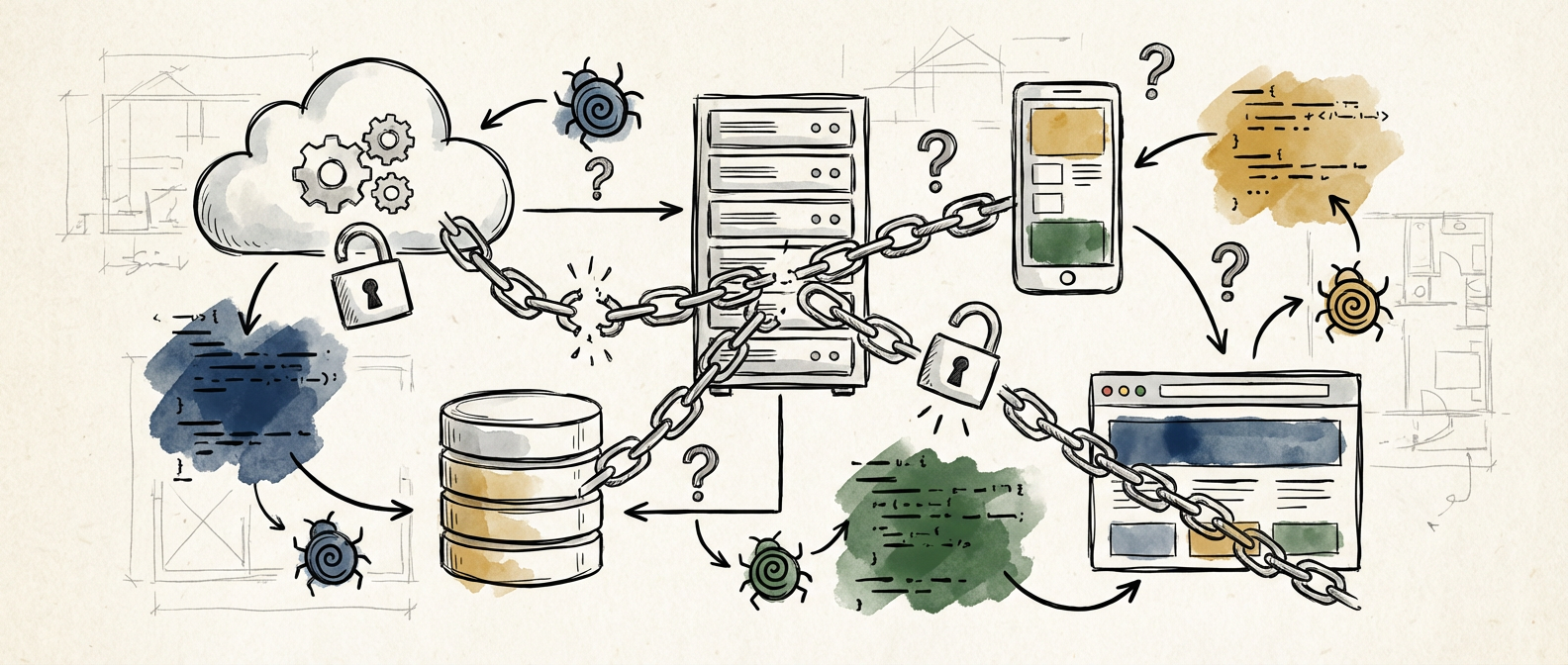
The truth is, modern application stacks are magnificent Jenga towers of dependencies, frameworks, and services that somehow work together despite having roughly the security posture of a house made of wet cardboard. But here’s the thing: understanding security vulnerabilities isn’t about memorizing a list of scary acronyms or becoming a penetration testing wizard overnight. It’s about developing a healthy paranoia and learning to think like someone who wants to break your stuff.
Let’s start with the basics that will keep you from becoming the engineer who accidentally exposed the entire user database on your second week. Trust me, that’s a conversation you don’t want to have with your manager.

The Big Three That Will Ruin Your Day
There are hundreds of ways your application can fail spectacularly, but three categories of vulnerabilities cause about 80% of the security incidents I’ve seen in production. Master these first, and you’ll already be ahead of most codebases floating around in the wild.
SQL injection is the granddaddy of web vulnerabilities, and it’s still depressingly common in 2024. The concept is simple: if you’re building database queries by concatenating user input directly into SQL strings, an attacker can inject their own SQL commands. Instead of searching for “cute puppies,” they search for `’; DROP TABLE users; –` and suddenly your database looks like a digital wasteland. The fix is equally simple: use parameterized queries or prepared statements. Your ORM probably handles this automatically, but always double-check when you’re writing raw SQL.
Cross-Site Scripting (XSS) happens when you trust user input and display it without proper sanitization. An attacker submits `` as their username, and suddenly their JavaScript is running in other users’ browsers, potentially stealing session cookies or performing actions on their behalf. Modern frameworks like React escape output by default, but the moment you use `dangerouslySetInnerHTML` or similar functions, you’re back in dangerous territory.
Authentication and authorization flaws are where things get interesting. Authentication asks “who are you?” while authorization asks “what are you allowed to do?” I’ve seen applications that properly authenticate users but then forget to check permissions on individual resources. Result: any logged-in user can access any other user’s data by simply changing the ID in the URL. Always validate that the current user has permission to access the specific resource they’re requesting.
Your Dependencies Are Not Your Friends
Here’s a fun fact that will keep you awake at night: the average Node.js project has over 1,000 dependencies when you count transitive dependencies. That’s 1,000 pieces of code written by strangers on the internet that you’re trusting with your users’ data. Each one is a potential attack vector.
The npm advisory database is your new best friend. Run `npm audit` regularly, and actually read the output instead of ignoring it like everyone else. Yes, most of the reported vulnerabilities won’t affect your specific use case, but the one time you skip this step will be the time you’re running a package with a known remote code execution vulnerability.
Supply chain attacks are becoming increasingly sophisticated. Remember the `event-stream` incident where a maintainer transferred ownership to an attacker who then pushed malicious code? Keep an eye on your package-lock.json file. If you see unexpected changes to dependencies you didn’t update, investigate immediately. Consider using tools like npm audit signatures or Scorecard to evaluate the security posture of your dependencies.
Don’t just blindly update everything either. I’ve seen teams that automatically merge dependency updates break production because they didn’t test properly. Security updates should be prioritized and tested, but treat major version bumps with the respect they deserve. That innocent-looking update might change behavior in ways that create new vulnerabilities.
Configuration Mistakes That Make Hackers Rich
Most security breaches don’t involve sophisticated zero-day exploits. They involve someone leaving an S3 bucket public or using “password123” as their database password. Configuration errors are embarrassingly common and devastatingly effective.
Default credentials are the low-hanging fruit of the security world. If your application uses a database, message queue, or any other service, change the default passwords immediately. Use a password manager to generate and store strong, unique passwords for each service. This includes API keys, which should be treated with the same care as passwords.
Environment-specific configurations are another common pitfall. Your development environment might have debug endpoints enabled or verbose error messages that leak sensitive information. Make sure your production configuration explicitly disables debug features and limits error message verbosity. Consider using environment-specific configuration files or environment variables to manage these differences systematically.
HTTPS everywhere isn’t just a browser extension, it’s a way of life. In 2024, there’s no excuse for serving anything over HTTP, especially if it involves user authentication or sensitive data. Let’s Encrypt provides free SSL certificates, and most cloud providers offer managed certificate services. Set up automatic renewal and redirect HTTP traffic to HTTPS.
Building Security Into Your Development Process
Security isn’t something you bolt on at the end like a spoiler on a Honda Civic. It needs to be part of your development process from day one. Start small and build habits that scale as your application grows.
Code reviews should include security considerations. Train your team to spot common vulnerability patterns and make security part of your review checklist. Look for hardcoded secrets, unsafe string operations, missing input validation, and overly broad permissions. It’s easier to catch these issues before they reach production than to fix them during an incident response.
Automated security scanning should be part of your CI/CD pipeline. Tools like CodeQL, SonarQube, or even simple dependency checkers can catch obvious issues before they reach production. Don’t rely on these tools as your only defense, but they’re excellent for catching the easy stuff.
Regular security updates should be scheduled like any other maintenance task. Set aside time each month to review and apply security patches. Keep a staging environment that mirrors production so you can test updates safely. Document your update process and make sure multiple team members know how to perform emergency security updates.
The best part about learning security fundamentals early in your career is that these skills compound over time. Every vulnerability you understand makes you better at spotting similar issues in the future. Start with the basics, build good habits, and remember that even senior engineers are still learning new ways that software can fail spectacularly. If you’re curious about diving deeper into any of these topics or have war stories from your own security adventures, I’d love to hear about them.
